|
Network Planning & Topology
|
Network Capacity & Depth
|
A single Zigbee network theoretically supports tens of thousands of nodes but is limited by Coordinator performance and protocol stack configuration. In practice, parameters like MAX_CHILDREN (max number of child devices), MAX_ROUTERS (max number of routers), and MAX_DEPTH (max network depth) must be set in the protocol stack to prevent network overload or instability.
|
|
Network Topology Selection
|
Star Network: Simple structure but limited coverage; the Coordinator becomes a single point of failure.
Tree Network: Expands coverage through parent-child nodes, but a branch failure can cause some nodes to “lose connection”.
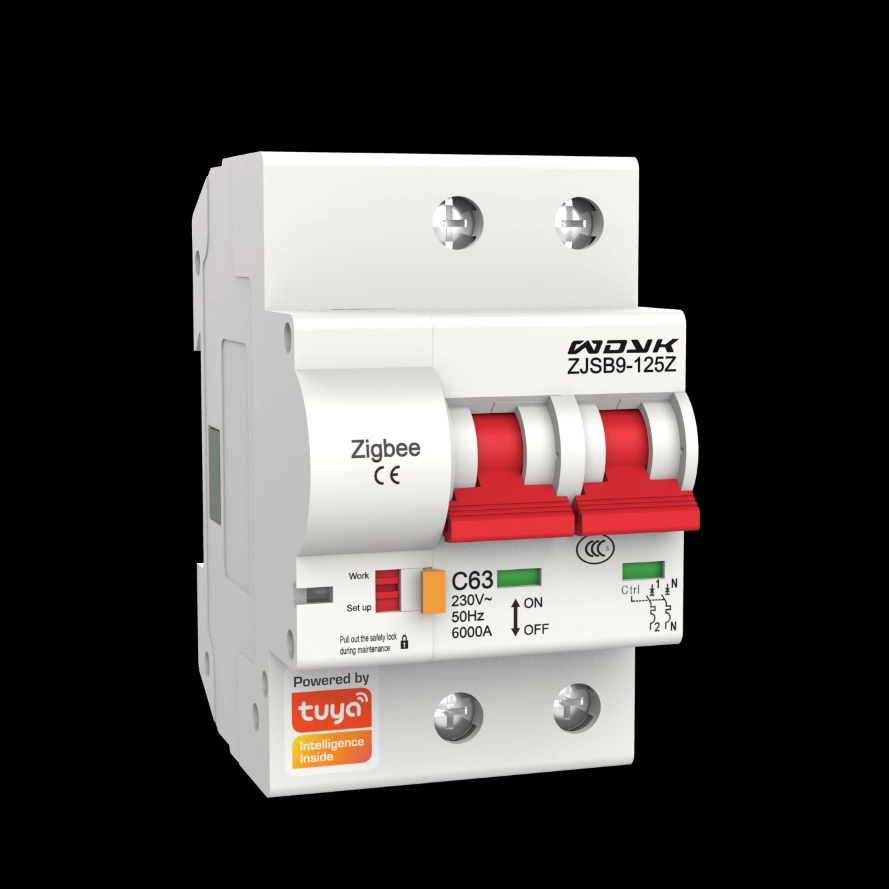
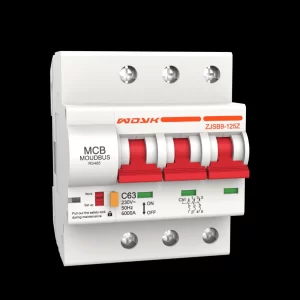
Mesh Network: Highest reliability. Each router node (e.g., a circuit breaker with routing capability) can act as a repeater, enabling multi-path communication. If one path fails, data automatically reroutes via another, making it ideal for large-scale, high-reliability expansion scenarios.
|
|
Device Configuration & Performance
|
|
The Coordinator is the network’s brain and bottleneck. For expansions involving numerous nodes (e.g., >100), consider upgrading to a more powerful Coordinator chip (e.g., CC2538 over CC2530) to handle the increased routing load.
|
|
|
Prioritize Zigbee circuit breakers with routing capability (Router) over End Devices. Router nodes can relay signals, extending network coverage and reliability. End Devices typically cannot relay signals for others, and their frequent sleep/wake cycles may add network overhead. Ensure newly added breakers are set to Router mode.
|
|
Signal Quality & Interference
|
|
Before expansion, use professional tools or gateway features to scan wireless channels. Choosing the quietest, least interfered channel (especially in crowded 2.4GHz Wi-Fi environments) can significantly improve network stability.
|
|
Node Distribution & Relaying
|
Zigbee signals have weak penetration, especially when attenuated by metal enclosures. During expansion, distribute Router-capable breakers evenly to avoid excessive distances between nodes. Ensure new nodes are within the effective communication range of existing routers to form a robust signal relay chain.
|
|
|
|
For large-scale expansion, never power on and join all new breakers simultaneously. This causes channel access conflicts and Coordinator overload. Instead, allow devices to join the network in batches, gradually and in small numbers.
|
|
|
Assign a fixed PAN ID (Network Identifier) to your network instead of using a randomly generated one. This effectively prevents new devices from accidentally joining a neighbor’s Zigbee network, avoiding confusion.
|
|
|
Use the gateway or professional software (e.g., TI’s Packet Sniffer) to monitor network health, including signal strength (RSSI), packet loss rate, and routing paths. This facilitates quick identification of problematic nodes after expansion.
|