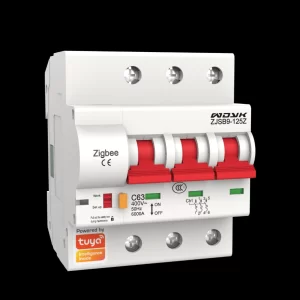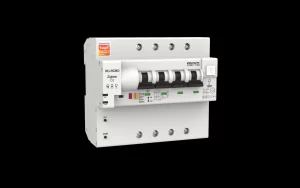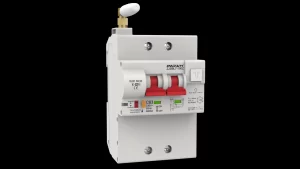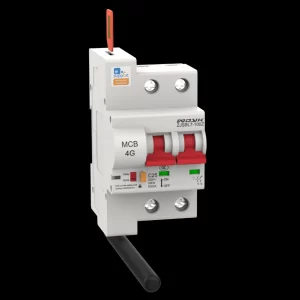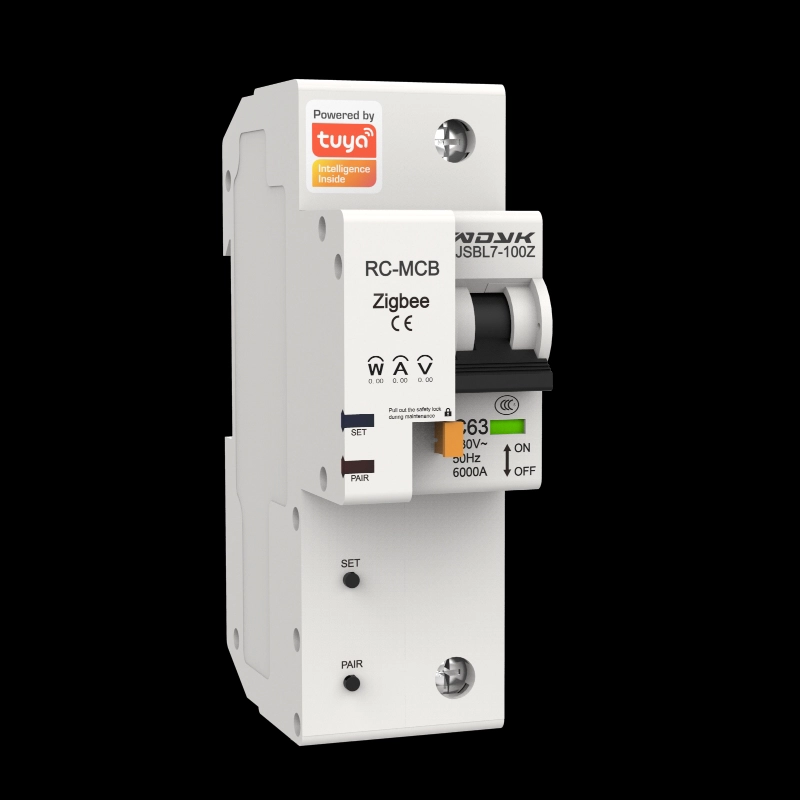
Smart Home Circuit Breaker Zigbee-TZ1-1P
WDYK Zigbee Smart Home Circuit Breakers typically require a Zigbee gateway (also known as a coordinator) to communicate with Tuya APP or smart home control systems. Moreover it has voltage acquisition, current acquisition, and power acquisition,making you to clearly understand your energy consumption and reduce unnecessary carbon emissions based on data analysis.
How to confirm whether a Zigbee circuit breaker is compatible with Zigbee 3.0 protocol?
Steps to confirm Zigbee 3.0 compatibility
View official product information
The most direct way is to check the official specifications, packaging box, or official website of the product. Devices that explicitly support Zigbee 3.0 are usually prominently labeled. Also, pay attention to whether there is a “Zigbee Certified” certification mark. Products certified by the Zigbee Alliance mean that their compatibility and interoperability have been officially tested, resulting in higher reliability.
Consulting technical support or sellers
If the official information is unclear, directly consulting the brand’s technical support or seller is the most effective method. Can you ask: “Does this circuit breaker support and have it been certified for Zigbee 3.0? ”
Practical testing (if existing equipment)
If you already have a Zigbee gateway and device, you can test it:
Attempt pairing: Place the circuit breaker in pairing mode and then try adding the device in the app of your Zigbee 3.0 gateway (such as Xiaomi Multimode Gateway, Samsung SmartThings Hub, etc.).
Observing the pairing process: Zigbee 3.0 devices typically support simplified processes such as Touchlink proximity pairing. If the pairing is smooth, successfully recognized, and can be displayed and controlled normally in the app, then compatibility is good.
Test linkage: Try to link the circuit breaker with other Zigbee 3.0 supported devices (such as sensors) from different brands to test whether cross brand collaboration works properly.